 PresenTempo

Give every section its time
Set aside time for your opening, main points, and Q&A. Before you start, choose whether to advance sections yourself or let the timer advance them.

Mac, iPhone & iPad
Give each part of your presentation its own time budget. See what’s left at a glance, then compare your plan with what actually happened.


Plan your timing, keep your place on stage, and refine your next run.
Set aside time for your opening, main points, and Q&A. Before you start, choose whether to advance sections yourself or let the timer advance them.
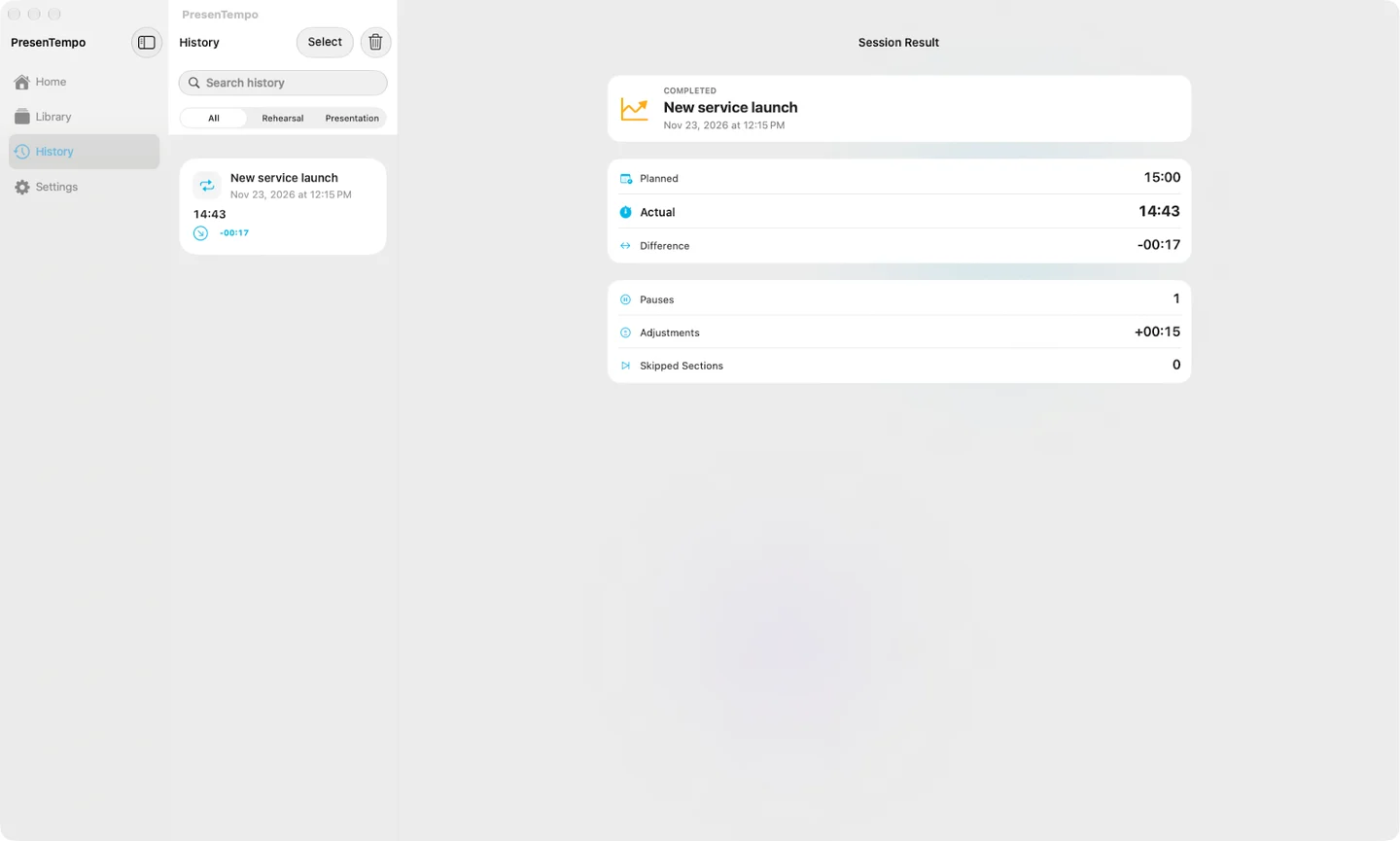
Compare scheduled and actual times in History. See where you paused, changed the time, or skipped a section.
See time left, progress, and overtime at a glance. Pause or adjust time while you present.
On iPhone and iPad, follow the timer with Live Activities. On Mac, use keyboard shortcuts.
Contact us for questions about timers, plans, or purchases.